Pinterest for Vendors: The Search Engine You Aren't Using
Couples search Pinterest for their wedding the way they search Google. Most vendors post there like it is Instagram. Here is the difference.


Ask a wedding vendor where their couples find them and the answer is usually Instagram, referrals, or both. Ask where their couples plan, and the answer is often a Pinterest board the vendor has never seen. That gap is the opportunity. Instagram shows your work to people who already follow you, for about a day. Pinterest shows your work to people who are looking for exactly what you do, for as long as they keep looking.
The scale is Pinterest’s own number. In its 2026 Wedding Trends Report, published in April, the company says that last year people made over 7 billion wedding-related searches and saved more than 16.7 billion wedding ideas globally.1 The report’s opening line is that wedding inspiration in 2026 “begins long before the aisle.”1 Those searches are not a feed scrolling past. They are couples typing what they want.
Most vendors treat Pinterest as one more place to post, if they treat it at all. This piece makes the case for treating it as what it is: a search engine with a visual index, where your published weddings are the pages.
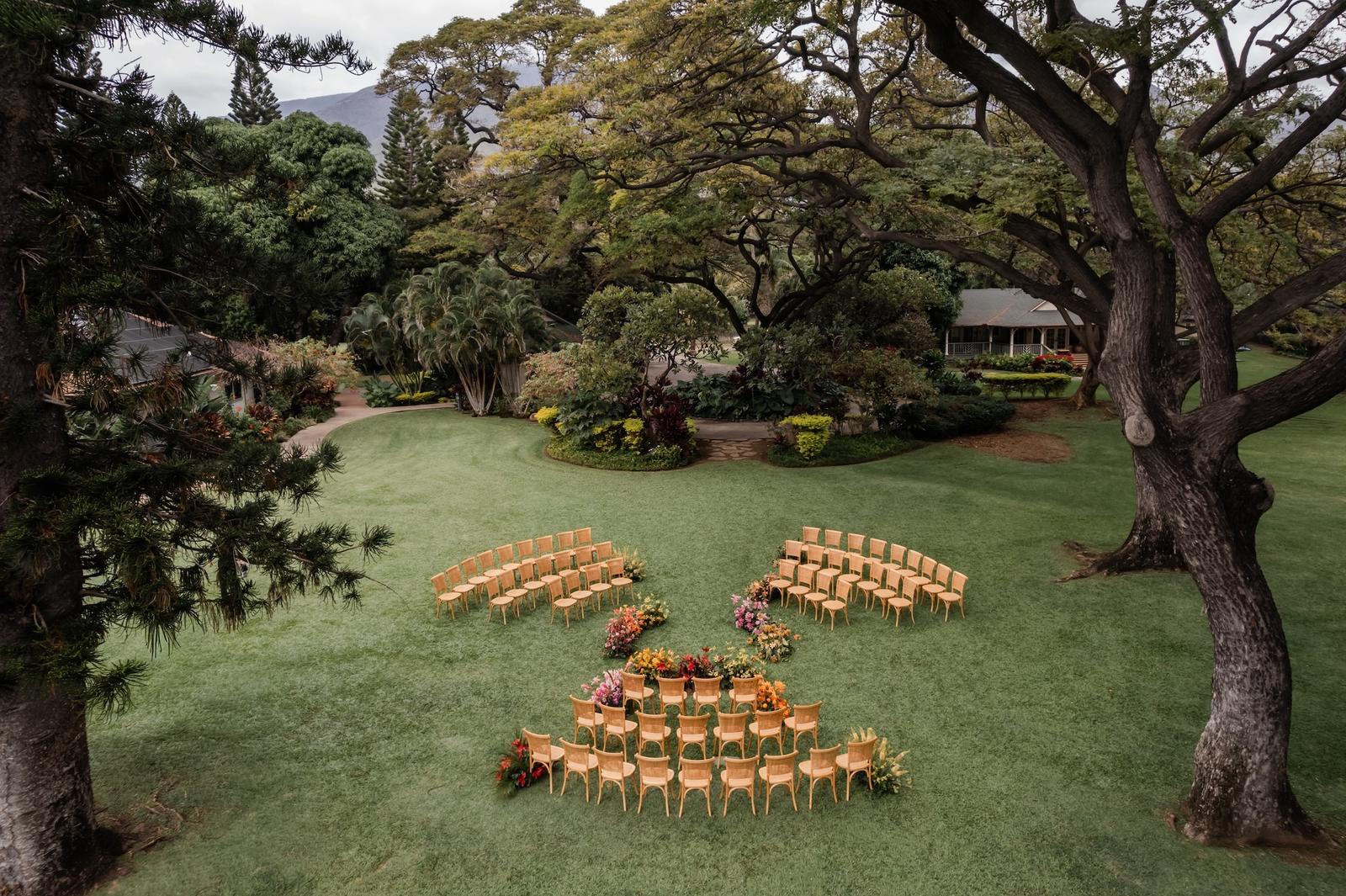
Pinterest is a search engine with pictures. Post for the search, not for the feed.
1. Pinterest Is Not a Social Network
On Instagram, a post is shown to your followers in the hours after you publish it, and then it is mostly done. On Pinterest, a pin is a page in an index. Someone searches “garden wedding Maui” in March and your pin from last October comes up, because it matches what they typed and other people have saved it.
Pinterest’s own guidance for businesses says this plainly. “There’s no set engagement window for Pins,” its help center explains, and “Pins last forever on Pinterest and high quality, relevant Pins can continue to resurface seasonally.”2 The mechanism is the point. A search surfaces a pin whenever someone searches, so there is no feed to fall off.
That changes what a good post looks like. On Instagram you write for the people who already know you. On Pinterest you write for a stranger who typed three words into a search box and has never heard your name.
Practical step: Open Pinterest and search the phrase a couple in your market would type: your city or region, the word wedding, and your category (“Charleston wedding florist”, “Aspen wedding planner”). Look at what comes up. That page, not your Instagram grid, is the competition.
2. The Longevity Argument, Done Honestly
You have probably seen the famous numbers: a pin lasts some enormous multiple of a tweet, a pin has a half-life of months. We looked for where those figures come from and found marketing blogs quoting other marketing blogs. Pinterest does not publish them, so we will not either.
What Pinterest does say is enough. A pin keeps being distributed as long as people keep engaging with it, and engagement can arrive well after publication: “no set engagement window.”2 Pins resurface “seasonally,” which for a wedding business means the pin you made from a June wedding can come back every spring, when next year’s June couples start planning.2
The practical meaning is that your back catalogue is an asset. A wedding published in 2024 is not stale to a couple who got engaged last month. On Instagram, reposting it would look like you had nothing new. On Pinterest, nobody is checking the date.
Practical step: Pick three of your best published weddings from the last two years and pin them this week, five vertical frames each, every pin linking to the wedding’s page on your site or its feature on Style Me Pretty. You are not repeating yourself. You are adding pages to the index.

3. What Actually Gets Indexed
A search engine needs text to match against, and Pinterest tells you exactly where it reads it. Its distribution guidance says to “include relevant keywords in your Pin title, Pin descriptions, board titles, board descriptions and website URL,” and to make sure “the images, text, and keywords in your Pin match the details in the landing page.”2 A pin titled “Our Work” on a board called “Weddings” gives the search nothing to hold on to.
The limits, from Pinterest’s creative guidance: a pin title can run to 100 characters, and “the first 40 are most likely to show for people on the platform.” A description can run to 800.3 Front-load the title with the words a couple would type (venue, region, season, style), and use the description for the rest.
Two settings do the work for you. Claiming your website gives you analytics on every pin that points to your site and lets you add a featured logo to those pins.4 Rich Pins pull the headline, description and author of a page from its Open Graph or Schema.org tags straight onto the pin, and update when the page changes.5 If your blog already has those tags (most website platforms add them), every pin from a blog post arrives pre-labelled.
This is the same discipline as the search engine work in SEO Basics That Actually Move the Needle for Vendors. The words couples use, in the places the index reads.
Practical step: Rename your boards from the generic (“Weddings”, “Florals”) to what couples type (“Nashville garden wedding”, “Mountain wedding in Colorado”, “Tropical wedding florals”). Then claim your website in your Pinterest business settings.
Want to join the Style Me Pretty vendor directory for just $99?
4. What a Vendor Should Be Pinning
Real weddings, not inspiration reposts. A board full of other people’s work tells a couple you have taste. A board full of your own weddings, each pin linking to the full gallery, tells them you can do it and shows them how to hire you.
Vertical frames. Pinterest recommends a 2:3 aspect ratio, 1000 by 1500 pixels, and warns that “larger aspect ratios may get cut off in people’s feeds.”3 Your photographer’s portrait frames are already the right shape, and most galleries are mostly portrait.
Your published features, above all. A Style Me Pretty feature already carries your credit, your category and a link to your profile, so a pin that points to it lands a couple on a page that sells you. After the Feature: How to Keep It Working for You covers the rest of that; Pinterest is the longest-lived use of a feature you have.
Practical step: For every wedding you have had published, make one board named for the venue or region, pin five vertical frames to it, and point each pin at the gallery or feature page. Title each pin with the venue, the region and the style before anything else.
5. What It Is Realistic to Expect
Pinterest is slow. It is a compounding channel, not a launch channel. Nothing you pin this week will book a wedding next week, because the couple who finds it may be a year from their date and a few weeks from being engaged. The payoff is that a pin made in a quiet November can still be working the following November, which no Instagram post can say.
Measure it in the one place Pinterest shows you real numbers: the analytics you get for a claimed website.4 Outbound clicks to your site are the figure that matters, because a save is a couple bookmarking you and a click is a couple visiting you. Give it a season before judging it.
Practical step: Write down this month’s outbound clicks from Pinterest Analytics. Pin consistently for 90 days (a few pins a week is plenty), then read the number again. That comparison, not the follower count, tells you whether the channel is working.
The Bigger Picture
Pinterest reported 640 million monthly active users for the quarter ending June 2026, up 11 percent in a year.6 A share of them are planning a wedding, and they are doing it by searching. The vendors who show up in those searches are the ones whose work is in the index, labelled in the words couples use.
None of this asks you to make anything new. Your galleries exist. Your features exist. The work is to put them where couples are already looking, in the shape and with the words the search can read. Instagram will keep showing your work to people who already know you. Pinterest is for the ones who do not yet.
Sources
- Pinterest Newsroom, “Pinterest Wedding Trends Report 2026”, April 28, 2026. https://newsroom.pinterest.com/news/wedding-trend-report-2026/
- Pinterest Business help center, “Pin performance and distribution”. https://help.pinterest.com/en/business/article/pin-performance-and-distribution
- Pinterest Business, “Creative Best Practices” (the 2:3 ratio, 1000 by 1500 pixels, 100-character titles and 800-character descriptions). https://business.pinterest.com/en/creative-best-practices/
- Pinterest help center, “Add your website to your profile”. https://help.pinterest.com/en/article/add-your-website
- Pinterest Business help center, “Create rich Pins”. https://help.pinterest.com/en/business/article/rich-pins
- Pinterest, Inc., second quarter 2026 results, press release furnished on Form 8-K, August 4, 2026 (global monthly active users 640 million, up 11 percent year over year). https://www.sec.gov/Archives/edgar/data/0001506293/000150629326000102/q2-26xpressrelease.htm
Credits
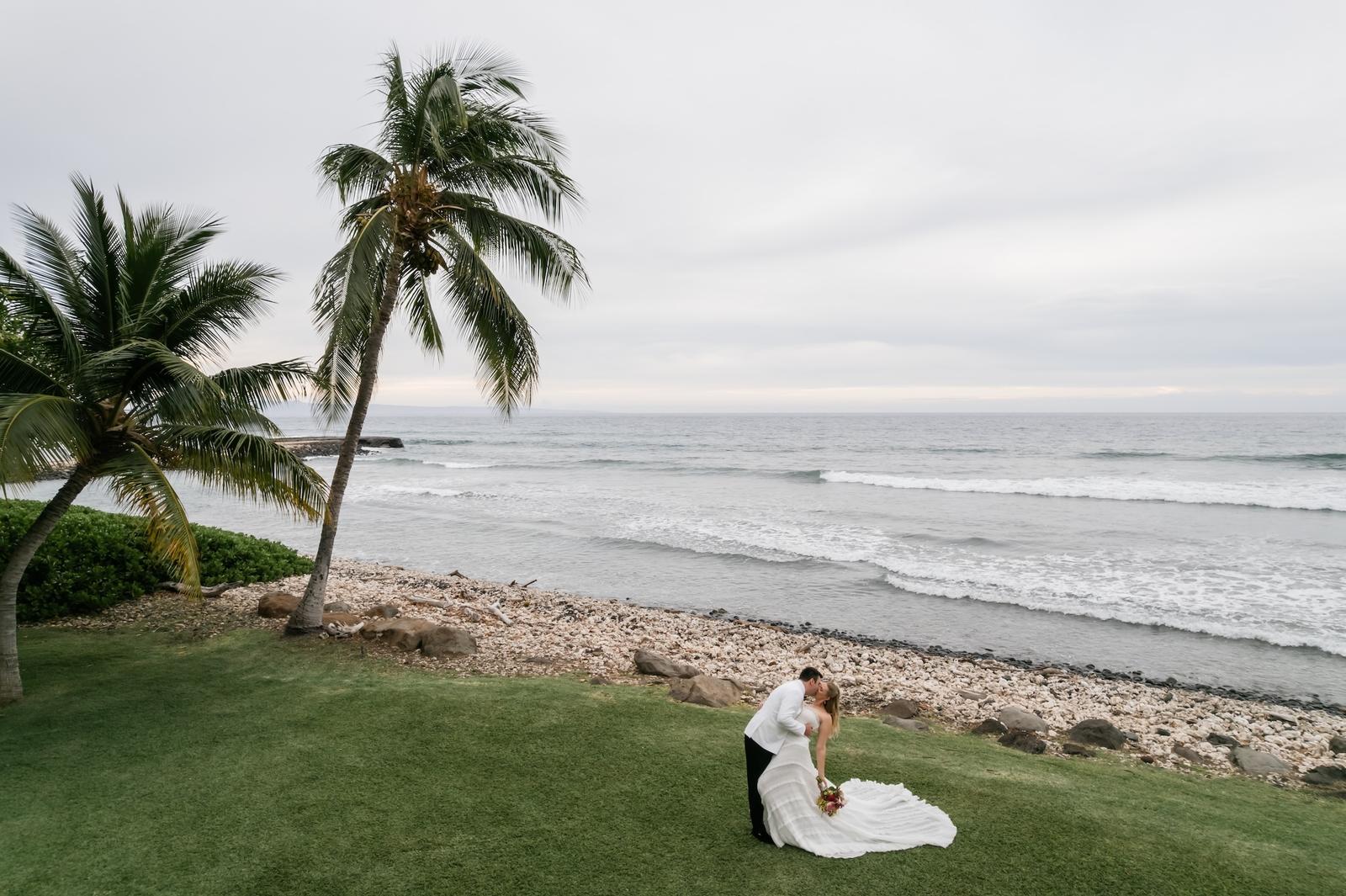
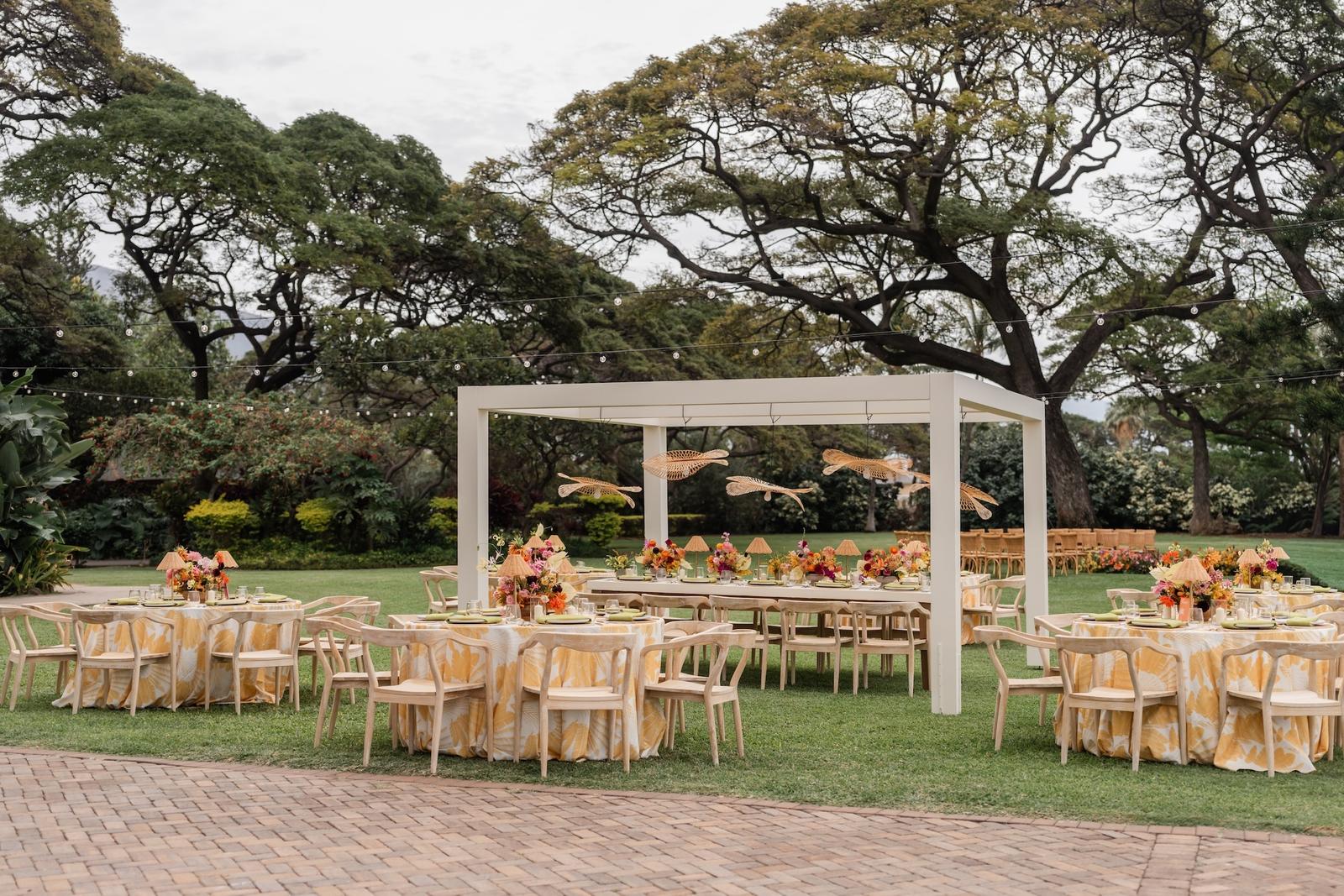
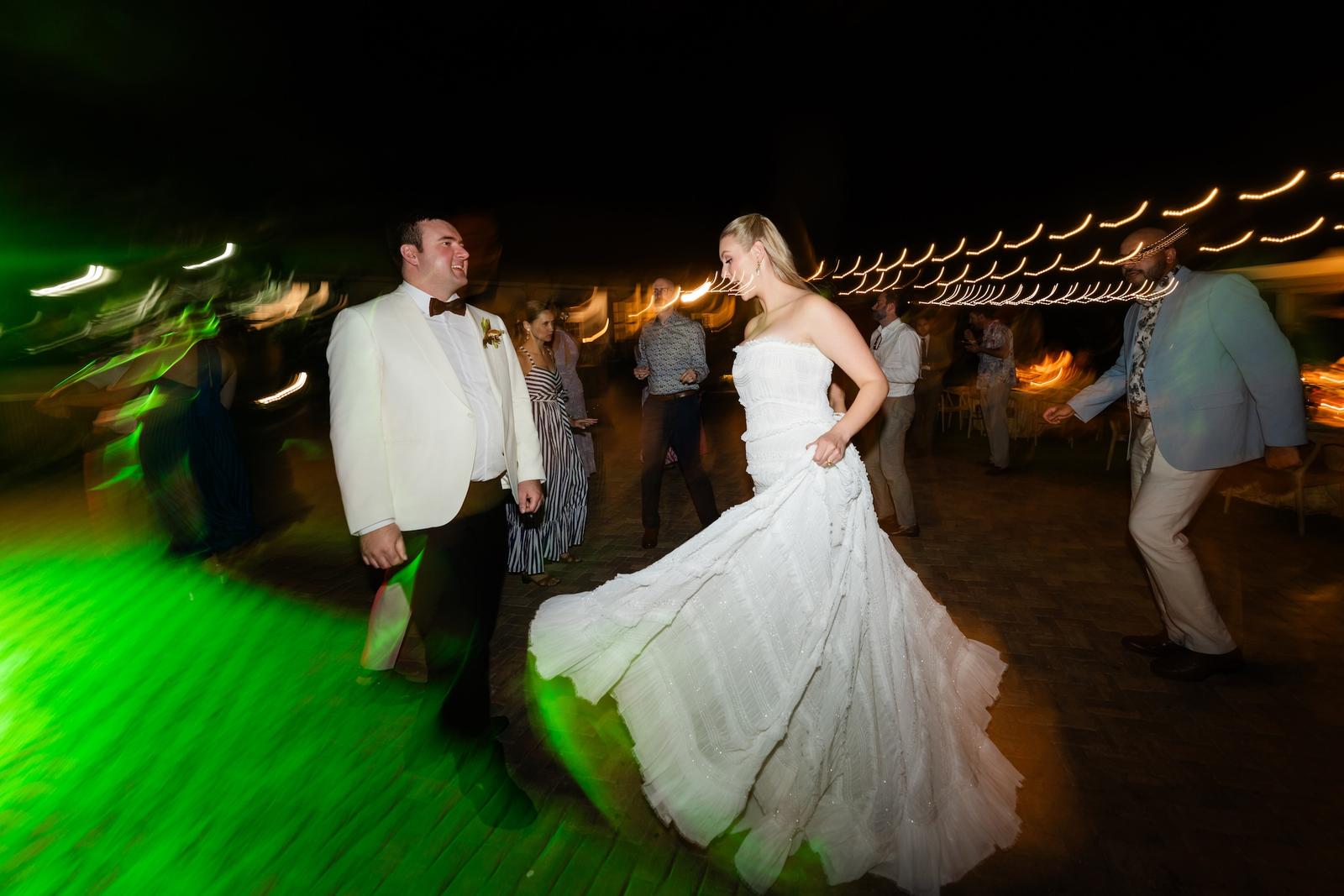
Photographs from This Couple Staged Their Maui Wedding Weekend Like a Broadway Production on Style Me Pretty, photographed by Stephanie Lynn and planned by Couture Events, an active Little Black Book member.
Additional credits: Cinematography: No Ka ‘Oi Films | Floral Design: Mandy Grace Designs | Catering: Cutting Edge Catering | DJ: Maui DJ Services | Transportation: Primo VIP Transportation | Venue: Olowalu Plantation House | Rentals: Artisan Events | Stylist: Meili Autumn Beauty | Linens: Nuage Designs | Wedding PR: Published + Pretty | Rentals: Refinery and Co | Paper Goods: Swell Press