After the Feature: How to Keep It Working for You
What to do with a feature after the morning it goes live.

The morning a feature goes live is genuinely good. The link lands in the group chat with the couple, the other vendors repost it, and for about six hours your phone behaves like you run a much bigger business.
Then it is Thursday. The post has slid down the feed, the story has expired, and the feature sits on Style Me Pretty doing quiet, unattended work while you go back to editing galleries. Most vendors treat that as the natural end of the story.
Style Me Pretty receives between 400 and 600 weddings each week.1 Whatever else is true about a feature, it is scarce, and scarce things deserve more than one afternoon of attention.
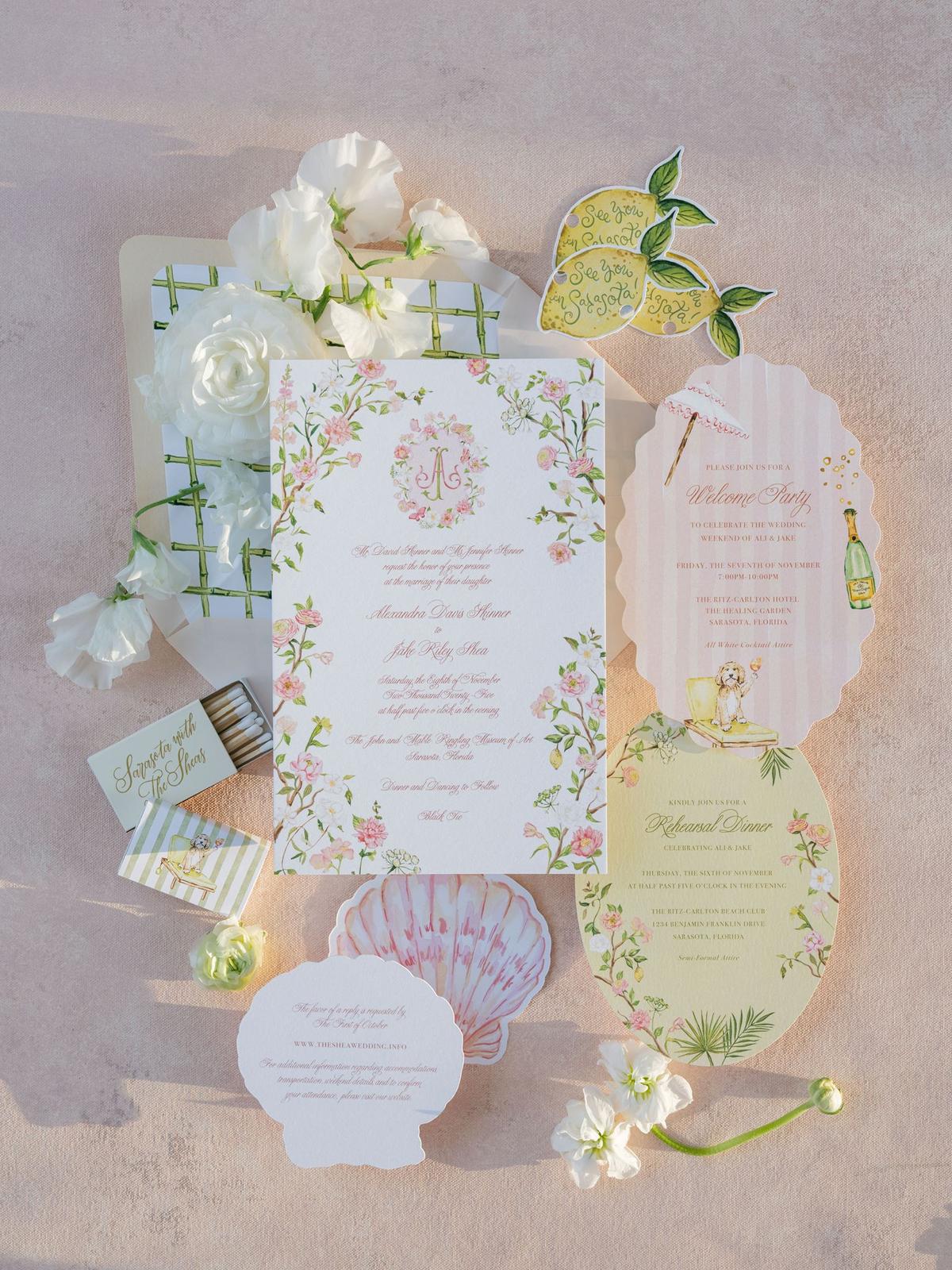
A feature behaves like inventory. It carries a publication date the way a product carries a manufacturing date, and almost everything it will ever do for your business happens after that date.
1. Claim the Link Before You Do Anything Else
Open the live feature and click your own name. That sounds too simple to be worth an instruction, and it is the step vendors skip most often.
Your name in a feature points somewhere specific. If you are a Little Black Book member or you hold a Style Me Pretty Vendor Profile, it points at your profile page, which in turn carries a link to your website and your social platforms.2 If you are neither, it may be plain text with no destination at all, or it may point at a URL you gave us three years and one rebrand ago.
A dead link on a live feature is the cheapest fixable problem in this entire article, and nobody will tell you it is broken. Couples who hit it just close the tab.
Practical step: Open the feature, click every instance of your own business name, and confirm where each one lands. If a destination is wrong, missing, or stale, reply to the editor who ran your feature and ask for the correction.
2. Publish Your Own Version the Same Day
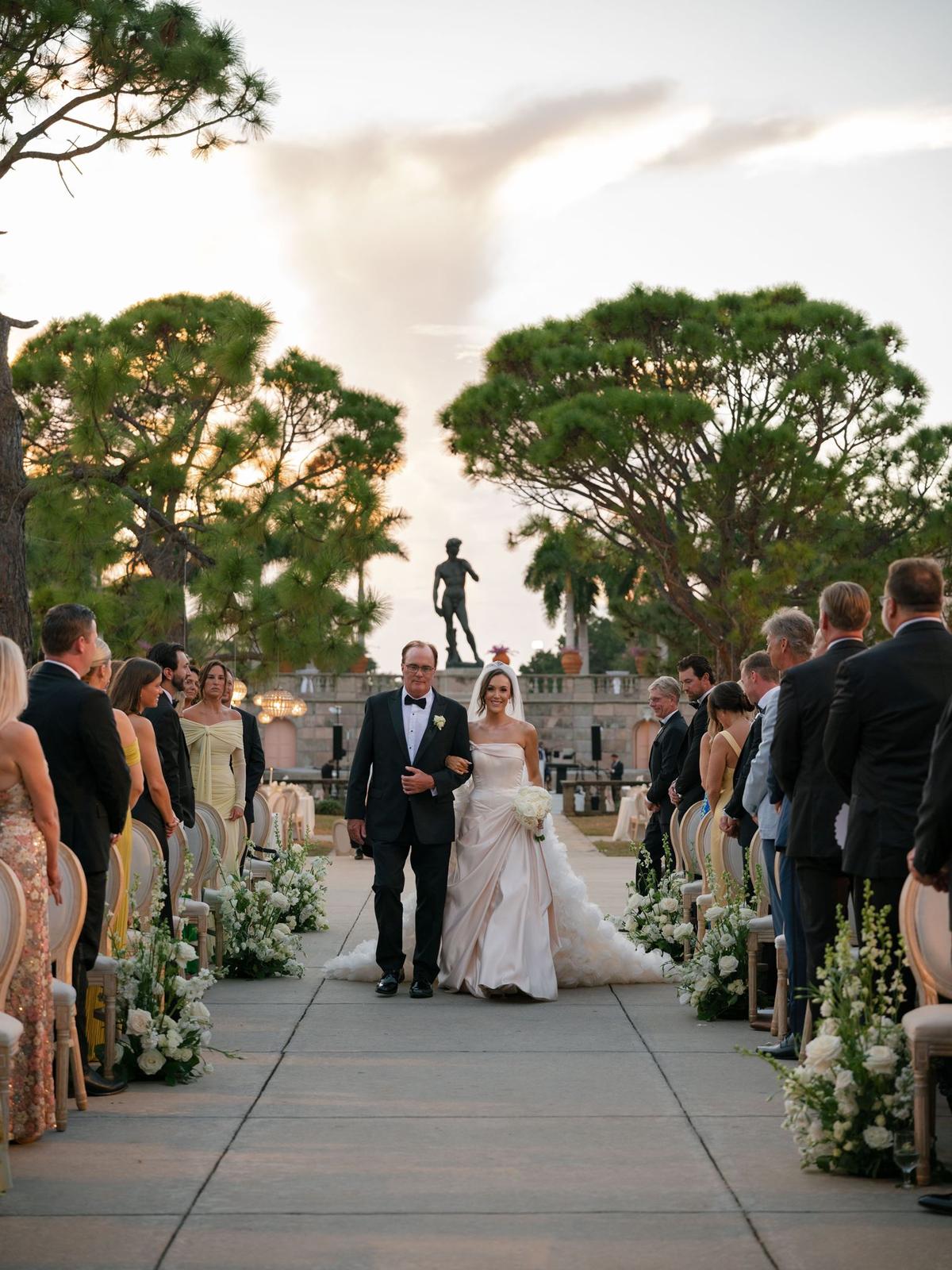
Style Me Pretty's own submission guidelines are unusually direct about this, and almost nobody takes them up on it. If you tell us the permalink where the wedding will live on your blog, we will add it to the feature.1 The guidelines put it plainly: the impact to your site is far greater when both go live together.
"If you want to get the most bang for your buck out of your publication, provide the permalink to which it will go live on the same day that we are publishing it."
The reason it works is not complicated. A reader who has just spent four minutes scrolling a wedding is warmer than any reader you will meet cold, and the moment they want more of your work is the moment they are still in the feature, not next Tuesday when your blog post finally appears.
Practical step: Write your own post before the feature runs, not after. Give the editor the permalink with your submission, or send it the week the feature is scheduled, and schedule your version for the same morning.
Want to join the Style Me Pretty vendor directory for just $99?
3. Put the Feature Where Couples Actually Look
A press section on your website can work hard or it can sit there. The version that sits there is a row of grey logos at the bottom of a homepage, which reads as decoration and gets skimmed past. The version that works is a real link, to a real feature, with a line of context and the couple's name.
Think about where a couple is when the feature would matter most. They are on your site at eleven at night, three tabs deep, trying to work out whether you are the real thing. A feature answers that question faster than a paragraph about your philosophy can.
The same asset belongs in your inquiry reply, in the deck you send to planners, and on your Style Me Pretty profile gallery, where it sits next to the work couples are already browsing.
Practical step: Add one line to your standard inquiry reply linking the feature by name. Then put it on your site somewhere a couple will reach in the first thirty seconds, not in a press archive three clicks down.
4. Tag Everyone, and Put Our Logo on the Image
The vendor list at the bottom of your feature is the most complete tagging map you will ever be handed for that wedding. Every business that touched the day is named there, in one place, already checked by an editor.
Use it. Tag the planner, the florist, the venue, the band, the stationer. A vendor who gets tagged in a feature they are proud of tends to reshare it, which is free distribution to an audience of exactly the people who refer work to you.
Getting a handle wrong quietly costs you the reshare, because the tag never reaches them. Similar brand names are the norm in this industry, so it is worth the extra minute.
There is one more thing worth doing to the image before it goes up, and it is the step vendors leave out most often. Put the Style Me Pretty logo on it as an overlay.
An overlay does several jobs at once. It tells a couple scrolling past that this wedding was published, which is credibility you cannot manufacture in a caption. It makes the post read as a feature rather than as one more gallery. And it puts our mark in front of an audience that is largely other vendors.3
That last part has a practical payoff for you. A post carrying our logo is the one most likely to catch our eye, and the one we are most likely to reshare on our own Instagram.
Practical step: Copy the vendor list from the feature into your caption draft and check each handle against that vendor's current profile before you post. Add the Style Me Pretty logo as an overlay on at least the lead image, then tag us and every vendor on the image as well as in the caption.
5. Send It to the Couple and the Vendor Team by Name
A feature is one of the few genuinely good reasons to reappear in someone's inbox without asking them for anything. Use it on the people whose opinion of you compounds.
The couple gets a note with the link and nothing else in it. No request for a review, no ask for a referral. That restraint is the point, and it is why the note gets forwarded to their friends who are still planning.
The planner and the venue get a different note. They were partly responsible for the day being publishable, they are the source of most of your future work, and a feature is proof that sending you a client made them look good.
Practical step: Send two short emails the day the feature runs. One to the couple with just the link. One to the planner and the venue, naming the feature and thanking them specifically.
6. Work It Again in Six Months
Features do not expire. Style Me Pretty's archive still serves submission advice published in 2015 and in 2021, and those pages still rank and still get read.4 Your feature is on the same footing. It is indexed, it is linked, and it will still be there when the couple planning a wedding for next autumn starts searching this winter.
What does expire is your own use of it. The Instagram post is gone in a day. The story is gone in a day. The feature is not, which means the asset outlives every piece of promotion you built for it, usually by years.
So put a date on it. Six months after the feature runs, the wedding is seasonally relevant again, an entirely new set of couples is searching, and none of them saw the original post.
Practical step: Put a reminder in your calendar for six months after the publication date. When it fires, repost the feature with a different angle: one detail, one supplier, one thing you would do again.
The Bigger Picture
Most of the value in a feature arrives slowly, delivered by a page that keeps being findable, keeps carrying your name, and keeps linking to your work while you are asleep.
That is a genuinely different thing from a post, and it deserves to be handled differently. A post is something you make. A feature is something you own.
Treat the publication date as the beginning, and one wedding can keep introducing you to couples for years.
Sources
- Style Me Pretty, submission guidelines and tips for getting out of the slush pile, including weekly submission volume and the same-day permalink guidance: stylemepretty.com/submissions
- Pretty Perspectives, "Your Style Me Pretty Vendor Profile: Everything You Need to Know," on what a Vendor Profile includes, including the backlink to your website and social platforms: perspectives.stylemepretty.com
- Style Me Pretty editorial team, direct guidance, August 2026, on logo overlays and what makes a feature post more likely to be reshared from our own channels.
- Style Me Pretty archive pages published in 2015 and 2021 and still live at the time of writing: submission advice with Abby Larson (2015) and how to make your submission sail to the top (2021)
Credits
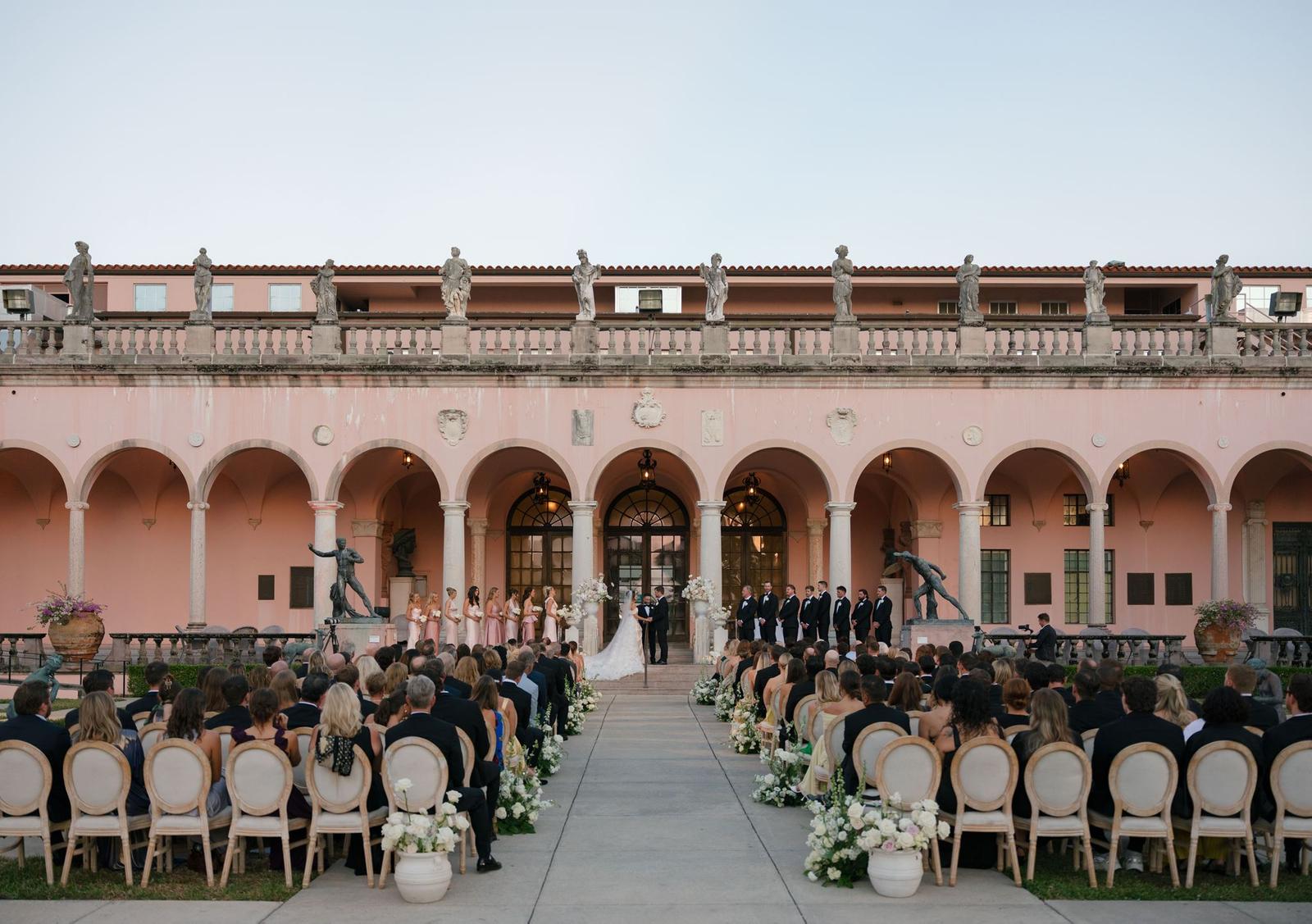
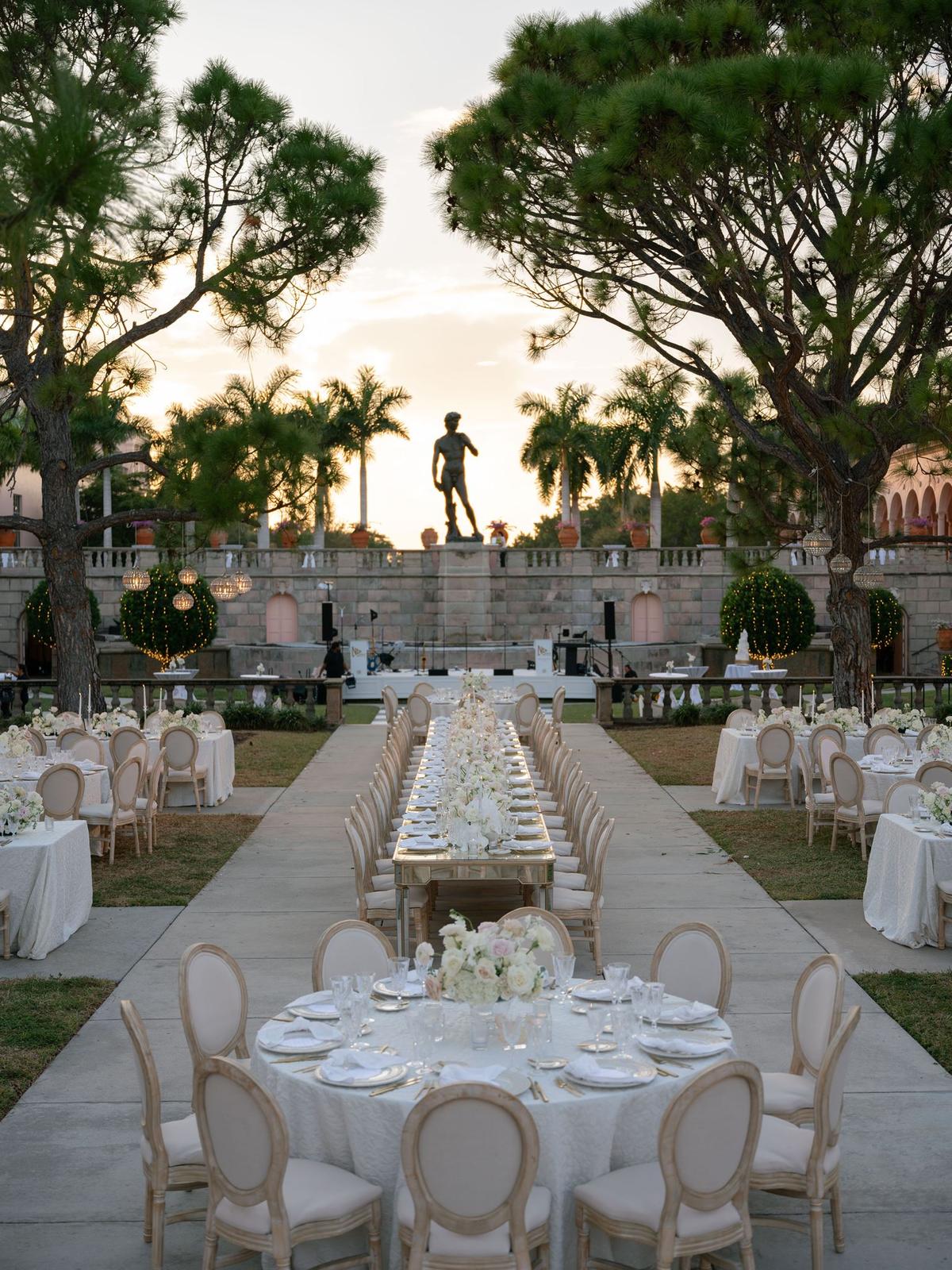
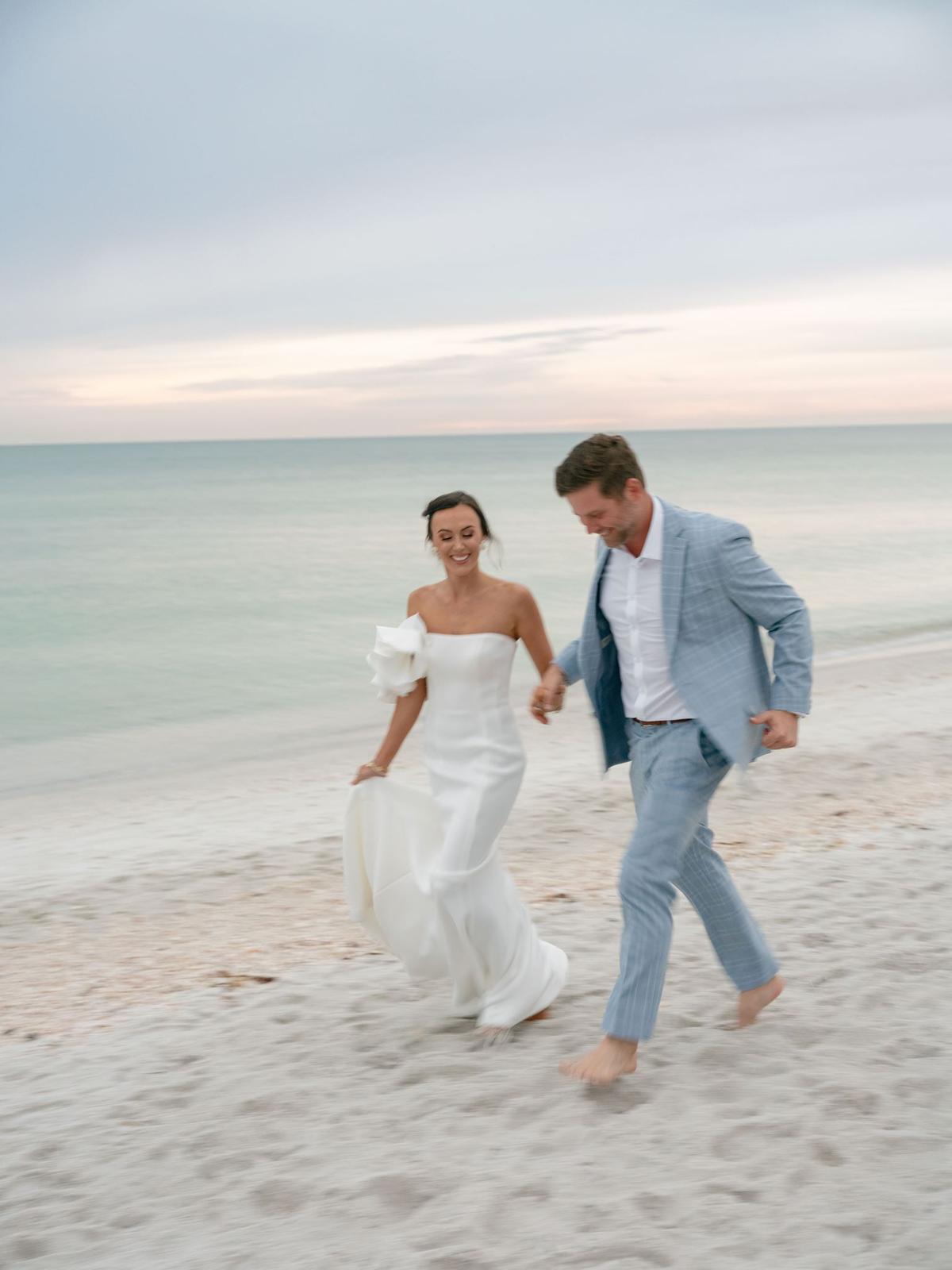
Photographs from a garden party wedding at The Ringling Museum in Sarasota, published on Style Me Pretty in 2026.
Additional Credits
Band: Noah Grey Music | Videographer: Eli Meyer Studio | Floral Design: Victoria Blooms | Wedding Dress: Galia Lahav | Cake: Cakes by Ron | Invitations: Laura Adison Designs | Reception Venue: The Ringling Museum | Jewelry: Ballerina Jewelers | Bridesmaids' Dresses: Bella Bridesmaids | Catering: Michaels on East | Lighting, Rentals: Palacios Events | Groom's Attire, Groomsmen's Attire: The Black Tux | Transportation: Classic Wedding Cars of Sarasota | Transportation: SRQ Trolley | Bridal Tan: BLB Luxury | Beauty: Brides by Kelly Anne | Groom's Rehearsal Dinner Suit: Calvin Klein | Bridal Shoes: Jimmy Choo | Bride's Rehearsal Dinner Dress: Jovani | Bride's Welcome Party Dress: Sherri Hill | Rentals: So Staged | Bridal Store: Stanley Korshak Bridal Salon | Rentals: Stella Rose Events | Groom's Welcome Party Attire: Suit Supply | Rehearsal Dinner Venue, Welcome Party Venue: The Ritz Carlton Beach Club - Sarasota | Content Creator: Velzy Coastal | Event Design: The Shea Atelier | Bar: Ringling Hospitality Group